Problem
TypeScript shows an error like this:
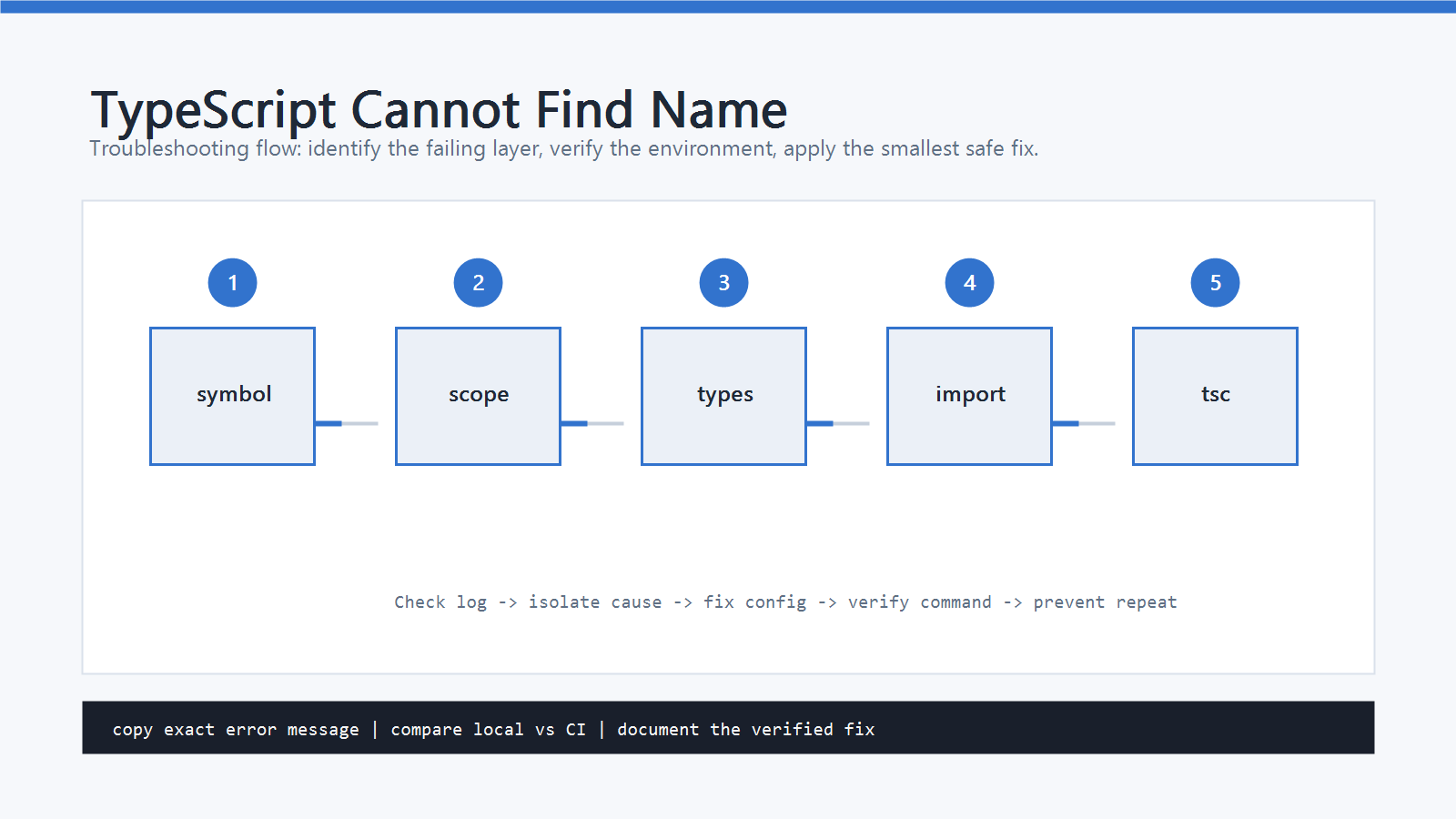
TS2304: Cannot find name 'process'.
or:
TS2304: Cannot find name 'describe'.
The same code may still run in Node.js, a browser, Jest, Vitest, or another runtime.
That is what makes this error confusing.
Cannot find name means the TypeScript compiler cannot see a variable, function, type, or global name at compile time.
The fix is not always to create a new variable.
Often the correct fix is to add an import, install the right type package, or adjust tsconfig.json.
Cause
Common causes include:
- A missing import.
- A typo in a variable, function, type, or interface name.
- A package is installed but its type definitions are missing.
- Node globals such as
process,Buffer, or__dirnameare used without Node types. - Test globals such as
describe,it, orexpectare used without test framework types. - Browser globals such as
documentorwindoware unavailable becauseDOMis missing fromlib. - The file is checked by a different
tsconfig.jsonthan the one you edited. - The
typesoption is present and excludes the global type package you expected.
Start with the exact name in the error message.
The fix for process is different from the fix for User, document, or describe.
Quick Fix
If the missing name is your own function, class, type, or value, import it:
import { createUser } from "./create-user";
If the missing name is a Node global, install Node type definitions:
npm install -D @types/node
Then make sure your tsconfig.json allows Node types:
{
  "compilerOptions": {
    "types": ["node"]
  }
}
If the project already has a types array, add node to the existing array instead of replacing everything.
Step-by-Step Fix
1. Check for a Missing Import
If the error points to a name from another file, TypeScript needs an import.
Wrong:
const user = createUser("Ada");
Right:
import { createUser } from "./create-user";

const user = createUser("Ada");
Do the same for types:
import type { User } from "./types";

function printUser(user: User) {
  console.log(user.name);
}
If your editor suggests an auto-import, still check that it imported from the intended file.
2. Check for a Typo or Scope Problem
TypeScript is case-sensitive.
const userName = "Ada";

console.log(username);
userName and username are different names.
Also check scope:
if (ready) {
  const token = "abc";
}

console.log(token);
token only exists inside the if block.
Move the declaration to the scope where it is needed, or pass the value explicitly.
3. Fix Node Globals
If the missing name is process, Buffer, __dirname, or require, the project probably needs Node types.
Install:
npm install -D @types/node
If tsconfig.json does not specify types, TypeScript normally includes visible @types packages automatically.
But if types is set, only the packages listed there are added to the global scope.
Example:
{
  "compilerOptions": {
    "types": ["node"]
  }
}
For a mixed project, include all required globals:
{
  "compilerOptions": {
    "types": ["node", "vitest/globals"]
  }
}
4. Fix Test Globals
If describe, it, test, or expect cannot be found, install or enable the test framework types.
Jest:
npm install -D @types/jest
{
  "compilerOptions": {
    "types": ["jest"]
  }
}
Vitest with globals:
{
  "compilerOptions": {
    "types": ["vitest/globals"]
  }
}
Another safe option is to import the test functions explicitly:
import { describe, expect, it } from "vitest";
This keeps globals out of the whole project.
5. Fix Browser Globals
If document, window, HTMLElement, or Event cannot be found, check the lib setting.
For browser code, include DOM:
{
  "compilerOptions": {
    "lib": ["ES2022", "DOM"]
  }
}
For Node-only code, you may intentionally omit DOM.
Do not add browser globals to server code unless the runtime really provides them.
6. Check the Right tsconfig File
Frameworks often use more than one config file:
tsconfig.jsontsconfig.app.jsontsconfig.node.jsontsconfig.spec.jsontsconfig.test.json
If you edited tsconfig.json but the error comes from test files, the active config may be tsconfig.spec.json or tsconfig.test.json.
Run:
npx tsc --noEmit --showConfig
This prints the resolved compiler configuration.
If your expected types, lib, or include setting is missing, edit the config that actually owns the file.
7. Avoid Hiding the Error
These are usually not real fixes:
// @ts-ignore
unknownName();
declare const unknownName: any;
Use them only when you are intentionally integrating a runtime global that TypeScript cannot know about yet. For normal app code, import the name or add the correct type definition.
How to Verify
Run the TypeScript compiler without emitting files:
npx tsc --noEmit
If the project has a dedicated typecheck script, use it:
npm run typecheck
Also run the relevant app or test command:
npm test
npm run build
The fix is complete when TS2304: Cannot find name is gone for the intended symbol and no new config-wide type errors were introduced.
Common Mistakes
- Installing
@types/nodebut forgetting that thetypesarray excludes it. - Adding
DOMtypes to a Node-only project without checking runtime behavior. - Editing
tsconfig.jsonwhile the file is compiled bytsconfig.app.jsonortsconfig.spec.json. - Using
// @ts-ignoreinstead of importing the missing name. - Adding
anyto make the error disappear. - Assuming editor auto-imports always choose the correct source file.
Official References
Professional Depth Check
For Fix TypeScript Cannot Find Name, the practical standard is not whether the reader can repeat one instruction once. Treat the topic as a reproducible debugging procedure: verify browser or Node version, bundler setting, async boundary, and DOM or API state before drawing a conclusion. The result should be written as a small decision record, because future readers need to know which fact was observed, which assumption was used, and which condition would change the answer.
Related Posts
- How to Fix ‘Uncaught ReferenceError: is not defined’ in JavaScript
- JavaScript var vs let vs const: What’s the Difference?
- innerHTML vs textContent in JavaScript
FAQ
When should I use this guide?
Use it when you can reproduce the error and need a practical order for checking commands, versions, paths, permissions, and logs.
What should beginners verify first?
Start with the exact error message, the command you ran, the operating system, and the tool version. These details usually narrow the cause faster than changing many settings at once.
Which keywords should I search next?
Search for “Fix TypeScript Cannot Find Name” together with the exact error text, version, operating system, and tool name used in your environment.


Leave a comment