Problem
TypeScript shows an error like this:
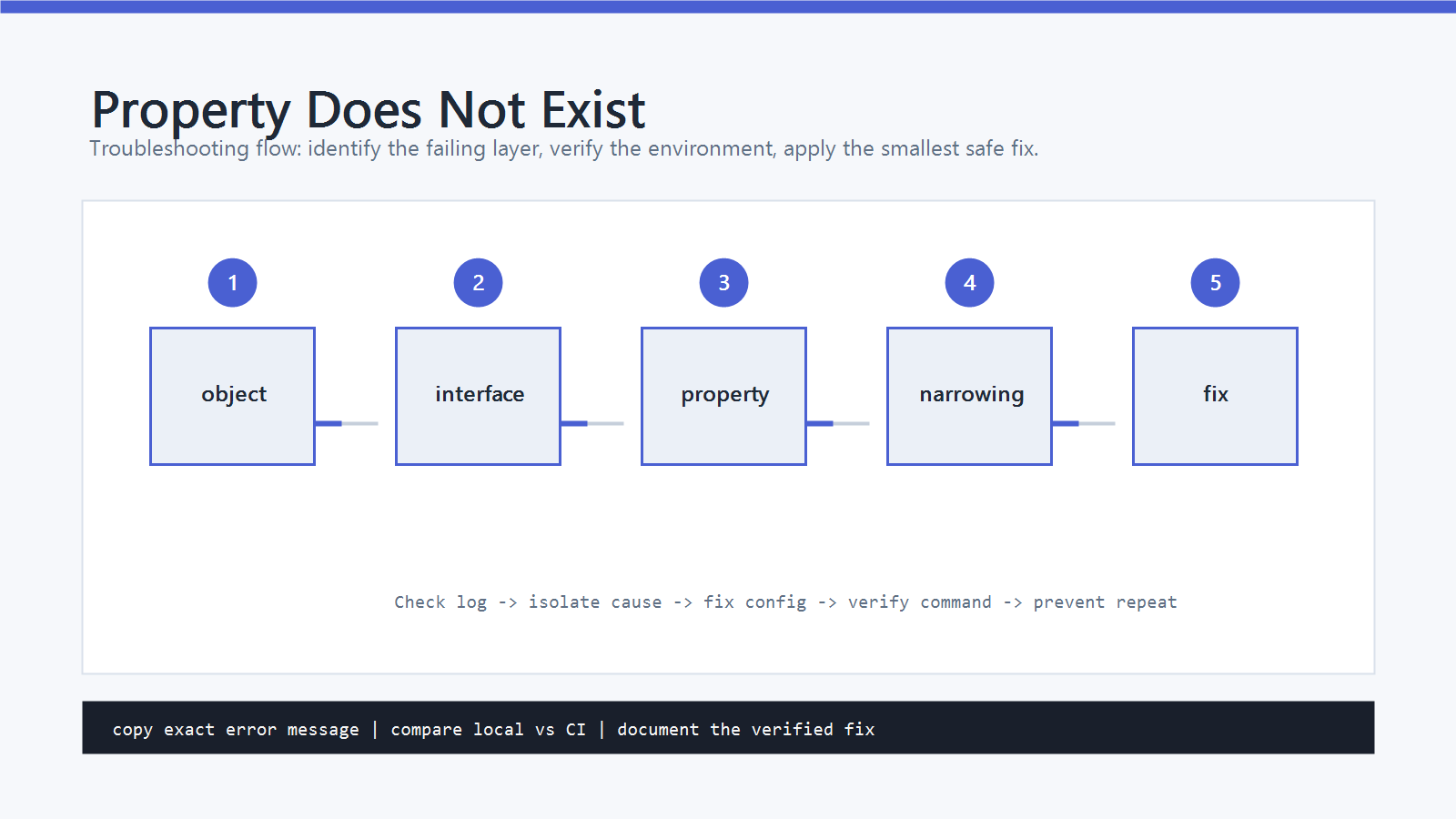
TS2339: Property 'email' does not exist on type 'User'.
or:
TS2339: Property 'value' does not exist on type 'HTMLElement'.
The runtime object may really have that property, but TypeScript only checks what the declared type allows. The fix is to make the type match the real shape, narrow the value before access, or use a more specific DOM/API type.
Cause
This error usually means one of these things:
- The interface or type is missing a property.
- The object is typed too narrowly.
- An API response type does not match the actual response.
- A union type was not narrowed before reading a member-specific property.
- A DOM query returns a broad or nullable type.
- The code assumes runtime data shape without validating it.
Do not start by adding as any.
First decide whether the property should exist for every value of that type.
Quick Fix
If the property belongs to the object, update the type:
type User = {
  id: number;
  name: string;
  email: string;
};

const user: User = {
  id: 1,
  name: "Ada",
  email: "ada@example.com"
};

console.log(user.email);
If the property exists only for some values, narrow the type before reading it:
type User = { id: number; name: string };
type UserWithEmail = User & { email: string };

function printEmail(user: User | UserWithEmail) {
  if ("email" in user) {
    console.log(user.email);
  }
}
Step-by-Step Fix
1. Update the Object Type
If every User has email, the type should say so.
Wrong:
type User = {
  id: number;
  name: string;
};

function sendEmail(user: User) {
  console.log(user.email);
}
Right:
type User = {
  id: number;
  name: string;
  email: string;
};
This is the cleanest fix when the property is part of the real model.
2. Mark Optional Properties Honestly
If the property may be missing, make it optional and handle that case:
type User = {
  id: number;
  name: string;
  email?: string;
};

function sendEmail(user: User) {
  if (!user.email) {
    return;
  }

  console.log(user.email.toLowerCase());
}
Use optional properties when the data can really be absent. Do not mark everything optional just to silence TypeScript.
3. Narrow Union Types
If a value can be one of several shapes, TypeScript needs a check before member-specific access.
type Success = { ok: true; data: string };
type Failure = { ok: false; error: string };

function handle(result: Success | Failure) {
  if (result.ok) {
    console.log(result.data);
    return;
  }

  console.log(result.error);
}
For properties that only exist on one union member, use the in operator:
type Admin = { id: number; role: "admin"; permissions: string[] };
type Guest = { id: number; role: "guest" };

function printPermissions(user: Admin | Guest) {
  if ("permissions" in user) {
    console.log(user.permissions.join(", "));
  }
}
4. Fix API Response Types
API data is often the source of this error.
If your code expects this response:
{
  "id": 1,
  "name": "Ada",
  "email": "ada@example.com"
}
then the TypeScript type should include email:
type UserResponse = {
  id: number;
  name: string;
  email: string;
};
If the API sometimes omits it, use email?: string and handle the missing case.
For external APIs, consider validating runtime data before trusting the type.
5. Use Specific DOM Types
DOM queries return broad types.
This can fail:
const input = document.querySelector("#email");
console.log(input.value);
querySelector may return Element | null, and not every Element has value.
Narrow it:
const input = document.querySelector("#email");

if (input instanceof HTMLInputElement) {
  console.log(input.value);
}
For direct IDs, a type assertion can be acceptable if the markup is controlled:
const input = document.getElementById("email") as HTMLInputElement | null;

if (input) {
  console.log(input.value);
}
Still keep the null check.
6. Avoid as any as the Default Answer
This removes the compiler error but also removes the useful check:
console.log((user as any).email);
Use any only at a boundary where the data is truly unknown and then convert it into a safer type.
Inside application code, prefer a correct interface, a type guard, or a runtime validation step.
How to Verify
Run:
npx tsc --noEmit
If the project has a script:
npm run typecheck
npm test
npm run build
The fix is complete when TS2339 is gone and the changed type still describes real runtime data.
Common Mistakes
- Adding
as anybefore checking the real object shape. - Making a property optional even though it is required by the domain model.
- Forgetting to narrow a union before reading member-specific fields.
- Assuming
querySelectorreturns a non-nullHTMLInputElement. - Typing API responses from memory instead of the actual response.
- Confusing a runtime object with the compile-time type assigned to it.
Official References
Professional Depth Check
For Fix Property Does Not Exist on Type, the practical standard is not whether the reader can repeat one instruction once. Treat the topic as a reproducible debugging procedure: verify browser or Node version, bundler setting, async boundary, and DOM or API state before drawing a conclusion. The result should be written as a small decision record, because future readers need to know which fact was observed, which assumption was used, and which condition would change the answer.
Evidence That Makes the Guidance Reliable
Use objective evidence before changing a workflow. Good evidence includes console stack trace, node --version, network tab output, and a minimal reproduction. If two pieces of evidence conflict, keep the conflict visible instead of smoothing it over. For example, a successful quick fix is still weak evidence if the same input, account, dependency, or device state has not been tested again. A durable article should help the reader distinguish a confirmed fix from a plausible fix.
Review Table
| Review Item | What To Confirm | Why It Matters |
|---|---|---|
| Scope | The exact case covered by this article | Prevents over-applying the advice |
| Baseline | The state before any change | Makes rollback and comparison possible |
| Change | The smallest action taken | Reduces hidden side effects |
| Result | The observed output after the change | Separates evidence from expectation |
| Recheck | When to revisit the conclusion | Keeps the post accurate over time |
Related Posts
- How to Fix TypeError: Cannot Read Properties of Null in JavaScript
- How to Fix Uncaught TypeError: Cannot Read Properties of Undefined
- innerHTML vs textContent in JavaScript
FAQ
When should I use this guide?
Use it when you can reproduce the error and need a practical order for checking commands, versions, paths, permissions, and logs.
What should beginners verify first?
Start with the exact error message, the command you ran, the operating system, and the tool version. These details usually narrow the cause faster than changing many settings at once.
Which keywords should I search next?
Search for “Fix Property Does Not Exist on Type” together with the exact error text, version, operating system, and tool name used in your environment.


Leave a comment