Problem
You configured a path alias in tsconfig.json, but imports still fail:
import Button from "@/components/Button";
The editor may accept it while the app fails, or the app may run while tsc fails.
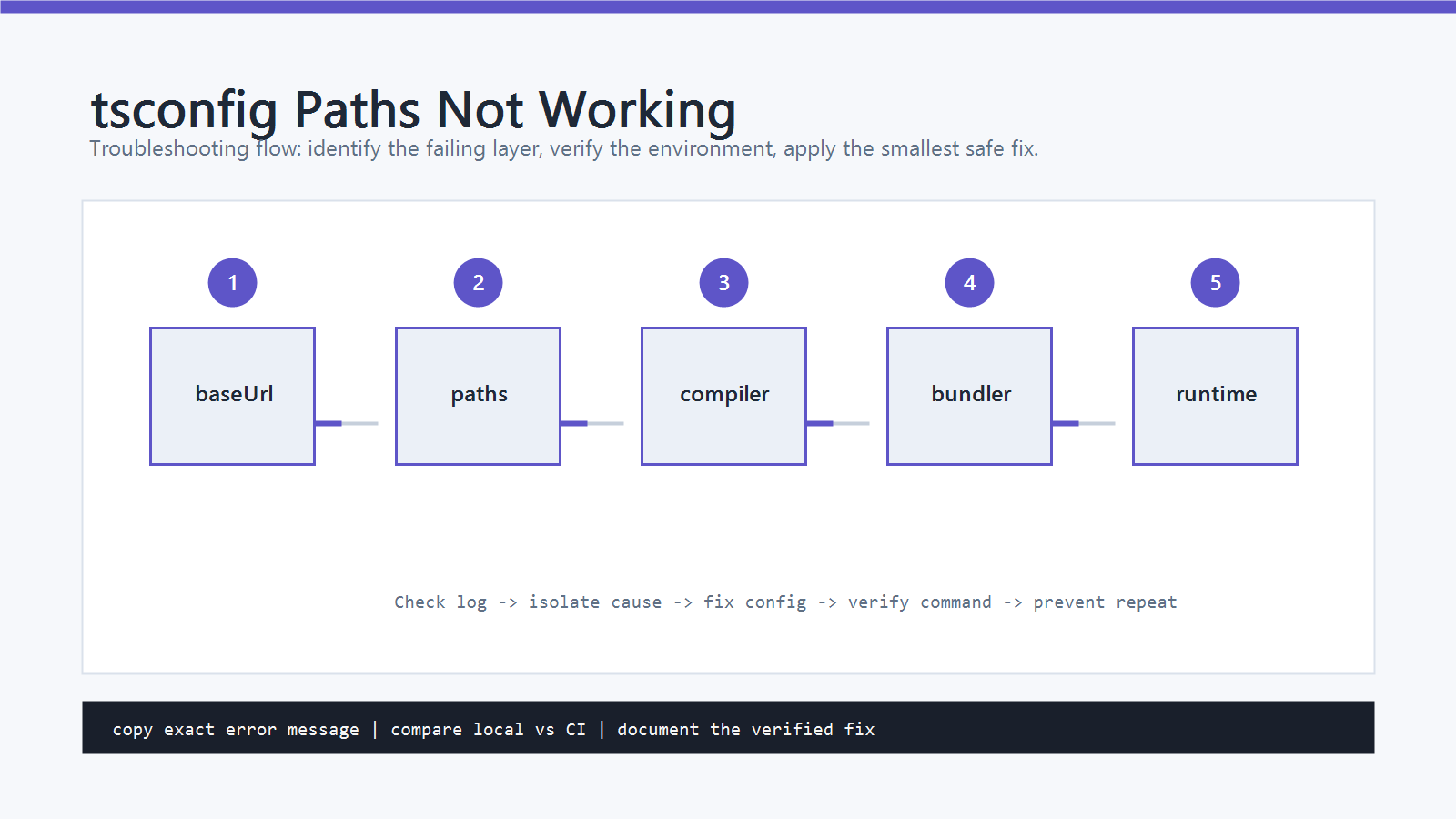
This happens because TypeScript, the bundler, the test runner, and Node runtime do not automatically share one alias system.
Cause
tsconfig paths can fail for several reasons:
baseUrlorpathsis missing or written incorrectly.- The alias pattern does not match the import.
- The framework uses a different config file such as
tsconfig.app.json. - Vite, Webpack, Jest, Vitest, or Node is not configured with the same alias.
- The app runs compiled JavaScript in Node, but Node does not understand TypeScript path aliases.
- The alias points to the wrong folder after moving files.
The key rule is this: TypeScript paths helps TypeScript resolve types.
It does not rewrite emitted import paths by itself.
Quick Fix
Start with a minimal tsconfig.json alias:
{
  "compilerOptions": {
    "baseUrl": ".",
    "paths": {
      "@/*": ["src/*"]
    }
  }
}
Then make the bundler match it. For Vite:
import { defineConfig } from "vite";
import path from "node:path";

export default defineConfig({
  resolve: {
    alias: {
      "@": path.resolve(__dirname, "./src")
    }
  }
});
After changing config, restart the dev server and TypeScript server in the editor.
Step-by-Step Fix
1. Confirm the Alias Pattern
The paths key and value must line up with the import.
For this import:
import Button from "@/components/Button";
use:
{
  "compilerOptions": {
    "baseUrl": ".",
    "paths": {
      "@/*": ["src/*"]
    }
  }
}
Do not write this if your import uses @/:
{
  "paths": {
    "@": ["src"]
  }
}
That only matches import x from "@", not @/components/Button.
2. Check the Active tsconfig File
Many projects have more than one TypeScript config:
tsconfig.jsontsconfig.app.jsontsconfig.node.jsontsconfig.spec.jsontsconfig.test.json
If the app source is compiled through tsconfig.app.json, putting paths only in tsconfig.json may not affect the file you are editing.
Check the resolved config:
npx tsc --noEmit --showConfig
If the alias is missing from the output, move it to the config that owns the source files or put it in a shared base config that the others extend.
3. Configure Vite or the Bundler
TypeScript can understand an alias while Vite still cannot.
Add the matching alias to vite.config.ts:
import { defineConfig } from "vite";
import path from "node:path";

export default defineConfig({
  resolve: {
    alias: {
      "@": path.resolve(__dirname, "./src")
    }
  }
});
Recent Vite versions also provide resolve.tsconfigPaths.
If you use it, confirm the project is on a Vite version that supports that option and that the active tsconfig.json contains the alias.
For other bundlers, configure the equivalent alias option instead of assuming tsconfig is enough.
4. Configure Tests Separately
Test runners often need their own alias mapping.
Vitest commonly reads Vite config, but only if the project is set up that way.
If tests still fail, check vitest.config.ts.
Jest usually needs moduleNameMapper:
module.exports = {
  moduleNameMapper: {
    "^@/(.*)$": "<rootDir>/src/$1"
  }
};
If tsc and the app pass but tests fail, the TypeScript alias is not the main problem.
The test runner resolver is.
5. Handle Node Runtime
Node does not read tsconfig.json paths by default.
This matters for scripts, CLIs, server code, and compiled JavaScript.
Options include:
- Use relative imports for runtime Node scripts.
- Bundle the code before running it.
- Use a runtime loader or helper such as
tsconfig-pathswithts-node. - Configure the framework’s server build tool to rewrite or resolve aliases.
If npx tsc --noEmit passes but node dist/index.js fails, check the emitted JavaScript import path.
If it still contains @/, Node will not resolve it without additional runtime support.
6. Restart Cached Tools
After config changes, restart:
- Vite dev server
- test watcher
- TypeScript server in VS Code
- ESLint server if it reports import errors
Stale editor diagnostics are common after tsconfig changes.
Verify with terminal commands before chasing editor-only errors.
How to Verify
Run:
npx tsc --noEmit
npm run build
If the project has tests:
npm test
For Vite apps, also start the dev server:
npm run dev
The fix is complete only when TypeScript, the bundler, and the runtime or test command that failed all resolve the alias.
Common Mistakes
- Expecting
pathsto rewrite JavaScript imports by itself. - Adding
"@": ["src"]when imports use"@/...". - Editing
tsconfig.jsonwhile the framework usestsconfig.app.json. - Configuring Vite but forgetting Jest or another test runner.
- Running compiled JavaScript in Node with unresolved
@/imports. - Forgetting to restart the dev server after changing config.
Official References
Professional Depth Check
For tsconfig Paths Not Working: How to Fix Path Aliases, the practical standard is not whether the reader can repeat one instruction once. Treat the topic as a reproducible debugging procedure: verify runtime environment, exact error boundary, minimal reproduction, and rollback path before drawing a conclusion. The result should be written as a small decision record, because future readers need to know which fact was observed, which assumption was used, and which condition would change the answer.
Related Posts
- How to Fix “jQuery is not defined” Error in JavaScript
- JavaScript var vs let vs const: What’s the Difference?
- How to Fix “TypeError: ‘…’ is not a function” in JavaScript
FAQ
When should I use this guide?
Use it when you can reproduce the error and need a practical order for checking commands, versions, paths, permissions, and logs.
What should beginners verify first?
Start with the exact error message, the command you ran, the operating system, and the tool version. These details usually narrow the cause faster than changing many settings at once.
Which keywords should I search next?
Search for “tsconfig Paths Not Working: How to Fix Path Aliases” together with the exact error text, version, operating system, and tool name used in your environment.


Leave a comment